Claude Code on the web alternatives: when to switch
The right alternative to Claude Code on the web depends on which limit you hit. No shell of your own, services that stop when the session idles, a 4 vCPU ceiling, a repository that isn't on GitHub, or wanting Codex as well: each points to a different option among Remote Control, self-hosted environments, Codex cloud, GitHub Codespaces, Fly.io Sprites and shedix.
We make shedix. Every other figure comes from each provider's own pages, linked, as of 2026-11-11.
Facts about Claude Code on the web are from Anthropic's cloud sessions docs and cloud environment docs; Anthropic says its resource ceilings "may change over time".
When should you stay on Claude Code on the web?
Stay when the job is a clear task on a GitHub repository. A cloud session clones the repository into a fresh Ubuntu VM,
keeps working after you close your laptop, and starts from a browser, the Claude app or claude --cloud. Several run
in parallel, your GitHub credentials never enter the VM, and it comes with your Claude plan, with no separate charge
for the VM.
Several limits have a fix inside the product, noted in each section; try that first. Our post on cloud sessions or your own machine compares the two ways of working in full. This page starts from the limit you hit.
Which limit did you hit?
| The limit | What Anthropic's docs say | Look at |
|---|---|---|
| A shell and your own setup | No shell into the VM; user-level config stays on your machine | Remote Control, Codespaces, Sprites, shedix |
| Something has to keep running | The VM pauses after a few idle minutes; the cache keeps files, not processes | Remote Control, shedix |
| A bigger box | About 4 vCPUs, 16 GB of RAM, 30 GB of disk | Remote Control, self-hosted environments, Codespaces, shedix |
| A repository outside GitHub | Cloning and pull requests need GitHub | Codex cloud for GitLab.com, a machine of your own |
| Your private network | Outbound access follows an allowlist | Self-hosted environments, Remote Control |
| Codex as well | Cloud sessions run Claude Code | Codex cloud, a machine with both |
What if you need a shell and your own setup?
The docs say "You don't get a shell into the session VM. Claude runs every command for you." Your user
~/.claude/CLAUDE.md, user skills, agents and commands, plugins enabled only in your user settings, and MCP servers
added at local or user scope don't come along. Sign-ins that need a browser, such as single sign-on, aren't supported.
Inside the product: commit skills, rules and .mcp.json to the repository, have a setup script write
~/.claude/CLAUDE.md, and store API keys as network secrets on the environment.
To switch: Remote Control keeps Claude Code on your own computer,
with your files, tools and MCP servers, steered from claude.ai/code or the Claude app. A codespace gives you a
terminal in the browser, VS Code or the GitHub CLI. A Sprite gives you sprite console. A shedix machine gives you SSH
with your own keys, VS Code or a terminal in the browser, a full desktop and your phone, and whatever you set up on it
stays.
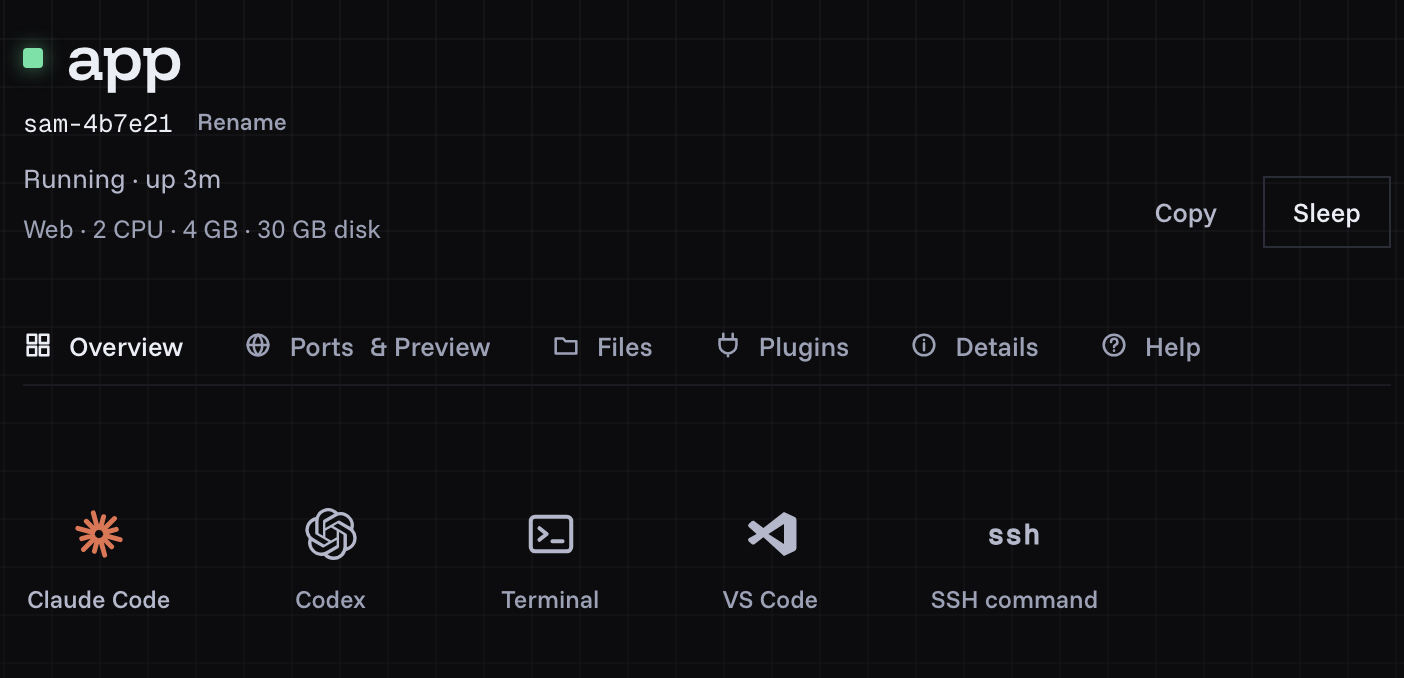
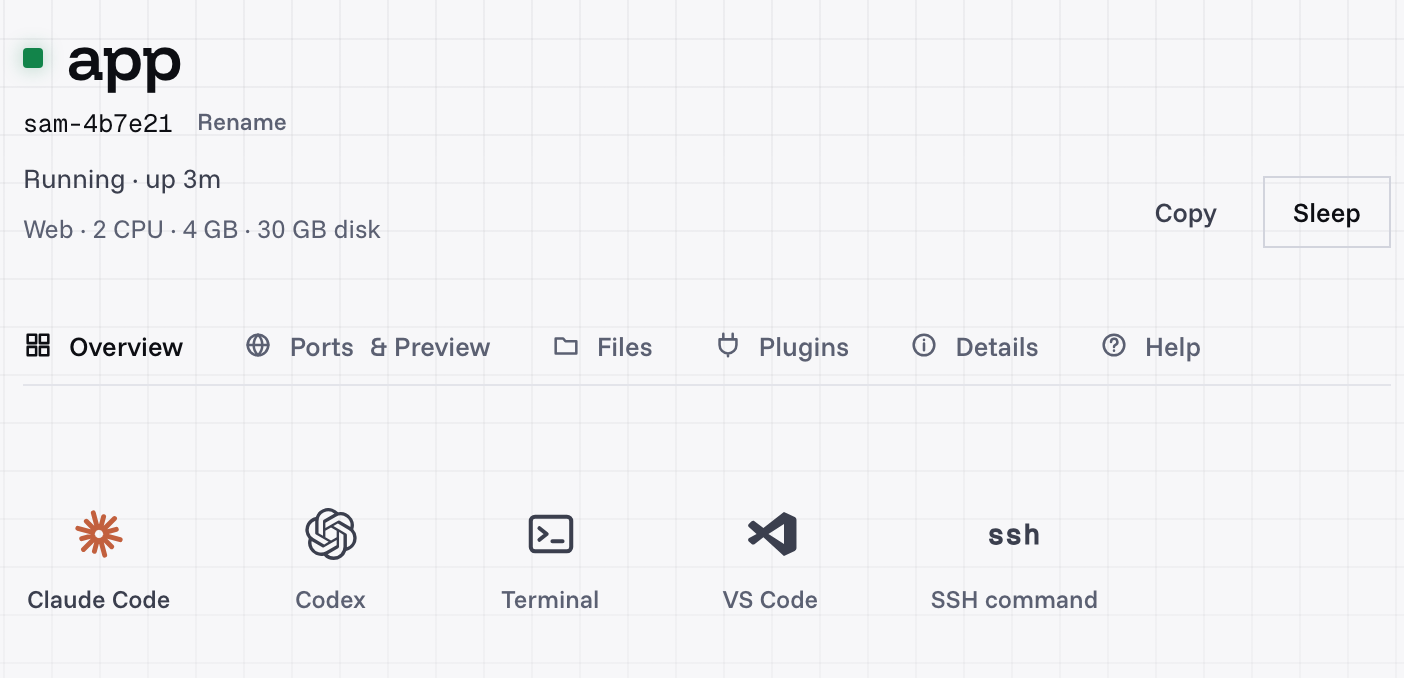
A shedix machine's page: Claude Code, Codex, a terminal, VS Code and SSH, each one click.
What if a server, a Docker stack or a long job has to keep running?
Docker, PostgreSQL and Redis are installed in a cloud session, and Claude can run docker compose up. But after a few
minutes without activity the VM pauses with its files saved, and a paused VM can later be reclaimed. Reopening a
reclaimed session restores the conversation, not the shell commands, subagents or scheduled tasks that were running.
The environment cache keeps files, not running processes, so containers start again each session.
Commands have limits too: Claude waits 2 minutes for a foreground command by default and can ask for 10, and a command that times out moves to the background for up to 30 more minutes.
Inside the product: raise the command limits with BASH_DEFAULT_TIMEOUT_MS and BASH_MAX_TIMEOUT_MS on the
environment, and start services from a SessionStart hook.
To switch:
- Remote Control leaves services on your own computer, which has to stay on with
clauderunning. - Codespaces stops after 30 idle minutes by default, running processes stop with it, and a codespace has "a maximum lifetime of 12 hours" (lifecycle docs).
- Sprites pause about 30 seconds after activity stops. A warm Sprite keeps memory and processes; a cold one starts processes fresh. A long run holds it awake with a task, an hour at a time (lifecycle, keeping a Sprite running).
- shedix stays awake while Claude Code or Codex works, sleeps by itself when nobody uses it, and keeps both files and running programs. Your database, Compose stack and dev server are there for the next task (close the laptop, keep the session).
On any machine with a shell, run long jobs in tmux: keep Claude Code running after you close your laptop shows how.
What if you need more than 4 vCPUs and 16 GB?
The docs list approximate ceilings of 4 vCPUs, 16 GB of RAM and 30 GB of disk. For bigger work, the same page points to Remote Control on your own hardware or a self-hosted environment.
Codex cloud's default for Pro is also 4 vCPUs and 16 GiB (cloud environments). Codespaces machines run up to 32 cores and 128 GB (GitHub's docs), a Sprite up to 8 vCPUs, and shedix machines up to 16 vCPU. The same box for one hour, in each provider's own units multiplied out, ordered by price:
| The same box for one hour | 4 vCPU, 8 GB | 8 vCPU, 16 GB | 16 vCPU, 32 GB |
|---|---|---|---|
| shedix (disk included) | $0.21/hr (45 GB) | $0.42/hr (60 GB) | $0.84/hr (75 GB) |
| Fly.io Sprites ($0.0385 per CPU-hour, $0.021875 per GB-hour), at full use, storage extra | $0.33 | $0.66 | Above its 8 vCPUs |
| GitHub Codespaces (4 GB per core; storage $0.07 per GB-month) | $0.36 (16 GB) | $0.72 (32 GB) | $1.44 (64 GB) |
shedix comes out 36% below the same box at full use on a Sprite, and 42% below a codespace with the same cores, which pairs each core with twice the memory. Per vCPU-hour, shedix is $0.0450 at 2 vCPU (2 vCPU, 4 GB RAM, 30 GB disk, $0.09/hr) and $0.0525 from 4 vCPU, memory and disk included. Sprites bill what's used, so a Sprite that mostly waits pays less than its row. Run tests on a bigger machine covers moving just the heavy step.
What if your code isn't on GitHub?
Cloning and pull requests need GitHub; GitHub Enterprise Server is supported on Team and Enterprise plans. You can
send a GitLab, Bitbucket or other repository as a local bundle with CCR_FORCE_BUNDLE=1, but the session can't push
results back to that remote.
Codex cloud checks out GitLab.com repositories as well as GitHub's. On a machine with a shell, your own computer or a shedix machine, git talks to any host you can sign in to.
What if the session needs your private network?
A new environment starts at Limited network access: package registries and other allowlisted domains. You can add domains or choose Full. For services that aren't on the public internet, Anthropic's self-hosted environments run cloud sessions on runners inside your network, in public beta on Team and Enterprise plans. For one person, Remote Control on a computer already inside the network does the same job.
What if you want Codex as well as Claude?
Cloud sessions run Claude Code. Codex cloud is OpenAI's counterpart, included in ChatGPT plans from Plus at $20 a month (pricing). To run both on one checkout, each on its own branch, you need a machine with both installed; shedix machines start with Claude Code and Codex ready. Run Codex CLI in the cloud goes through the options.
How do the alternatives compare?
| Option | Built for | Price, 4 vCPU | How you get in | Your agent can start and drive it | Sleeps by itself, keeping programs | What you pay while idle |
|---|---|---|---|---|---|---|
| Remote Control | Steering Claude Code on your own computer | Your Claude plan | claude.ai/code, the Claude app | — | No; the computer stays on | Your computer's running costs |
| Codex cloud | Codex tasks on GitHub and GitLab.com repositories | In ChatGPT Pro, from $100 a month | ChatGPT, the Codex CLI and IDE extension | Codex tasks only | A task's saved VM, kept up to 7 days | Your plan |
| GitHub Codespaces | A Docker container on a VM, per GitHub repository | $0.36 an hour (16 GB) | Browser, VS Code, the GitHub CLI | Through the gh CLI |
Stops; processes stop | Storage, $0.07 per GB-month |
| Fly.io Sprites | Bursty work billed on use | Up to $0.33 an hour (8 GB) | sprite CLI, API, its URL |
Through the CLI or API | Warm: memory and processes. Cold: files | Storage, about $0.02 per GB-month cold |
| shedix | A real computer per agent | $0.21/hr (8 GB, 45 GB disk) | SSH with your keys, VS Code or a terminal in the browser, the desktop, your phone | Yes, with the shedix skill | Yes, files and running programs | $0.009/hr |
shedix gives each agent a real computer: a whole VM with a full desktop, root, Docker, its own public address and every way in. Your agent can start and drive it, shares a browser with you on it, and finds Claude Code and Codex ready; it sleeps by itself and you pay only while it works. A sleeping machine wakes in under a minute, and machines run in the United States.
How do you take a cloud session with you?
Run claude --teleport <session-id> in a clean checkout of the same repository, signed in to the same claude.ai
account. It fetches the session's branch and loads the conversation; the steps and requirements are in
cloud sessions or your own machine.
Prices change, so check each provider's own pricing before you choose. About and security say who runs shedix and how its machines are kept apart.
What to do next
Install the shedix skill and ask your agent to move this session to a machine, or start a machine and open Claude Code in it. Your first 12 hours of compute are on us.